What It Is
fireworks-macapp-creator is a reusable AI skill for building, refactoring, and shipping native macOS apps with a SwiftUI-first architecture and targeted AppKit interop.
It is designed for:
- Claude Code
- Codex
- Local skill repos and GitHub-hosted installation
The goal is simple: stop generating generic "desktop-like" UI and start producing real Mac software with correct layout, windowing, performance, and release workflows.
What The Skill Covers
- Native macOS app architecture
- SwiftUI plus AppKit interop strategy
- Sidebar and detail layouts for reader and productivity apps
- Menu bar apps and document-based apps
- Full-screen and multi-window behavior
- Background jobs, caching, and CPU control
- Images, typography, and long-form reading surfaces
- Sandbox, codesign, notarization, DMG export, and release prep
Included Resources
SKILL.md
The main skill definition used by Claude Code and Codex.docs/samples/*.svg
Interface-only mockups for multiple Mac app product directions.references/style-catalog.md
Built-in style slugs and the visual/system guidance for each one.references/architecture-checklist.md
Architecture defaults for state, features, persistence, and platform bridges.references/native-ux-patterns.md
Native layout, settings, commands, accessibility, and full-screen guidance.references/performance-and-debugging.md
Practical guidance for CPU, scrolling, observation, caching, and Instruments.references/release-and-distribution.md
Signing, sandboxing, notarization, App Store, and direct distribution guidance.scripts/init_macos_swiftpm_app.py
A deterministic SwiftPM scaffold for a native macOS app.scripts/oss_audit.py
Audits this repo for open-source publication readiness.scripts/sync_skill_bundle.py
Synchronizes the root skill files into the distributable skill/ bundle.
Install
Option 1: One-command installer
curl -fsSL https://raw.githubusercontent.com/yizhiyanhua-ai/fireworks-macapp-creator/main/install.sh | bash
Default behavior installs to both:
~/.claude/skills/fireworks-macapp-creator~/.codex/skills/fireworks-macapp-creator
You can also target one client only:
bash install.sh --claude
bash install.sh --codex
bash install.sh --both
For local development:
bash install.sh --both --local .
Option 2: Ask your coding agent
In Claude Code or Codex, say:
Install fireworks-macapp-creator from https://github.com/yizhiyanhua-ai/fireworks-macapp-creator
Option 3: Install with npx skills
npx skills add yizhiyanhua-ai/fireworks-macapp-creator -g
This repo now includes a dedicated skill/ distribution directory, so npx skills add installs the same bundle used by the direct installer.
Usage Examples
Example requests that should trigger this skill:
- "Build a native macOS AI reader in SwiftUI with sidebar, detail pane, settings, and translation pipeline."
- "Refactor this Mac menu bar app to reduce CPU usage and move heavy work off the main thread."
- "Add App Sandbox, codesign, notarization, and DMG release steps to this macOS app."
- "Fix this full-screen layout. It currently feels like a stretched web page."
- "Use style=apple-editorial for a premium Mac reading app."
- "Use style=creative-studio-pro for a canvas-heavy design tool."
- "Use style=operator-console for a dense AI control room with live system status."
- "Use style=focus-lab for a researcher workspace with annotation surfaces and calm hierarchy."
- "Use style=cinema-companion for a media browser with immersive visual panels."
- "Use style=ambient-utility for a lightweight desktop companion with gentle motion."
Style-driven Usage
The skill now supports a stable style contract for UI exploration:
style=<style-slug>
app_shape=<windowed|menu-bar|document-based|multi-window>
density=<airy|balanced|dense>
tone=<editorial|productivity|creative|analytical|utility>
theme=<auto|light|dark>
You can use any of these built-in styles:
ai-readerresearch-dashboardmenu-bar-companiondocument-studioapple-editorialminimal-productivitycreative-studio-prodata-analytics-lab
See references/style-catalog.md for the mapping.
--tone, --density, and --theme now change the generated SwiftUI shell for real, including spacing, hero sizing, card layout behavior, and whether the scaffold follows the system color scheme or forces light/dark mode.
Scaffold A New App
python3 scripts/init_macos_swiftpm_app.py "DeepRead" \
  --bundle-id ai.yizhiyanhua.DeepRead \
  --style apple-editorial \
  --tone editorial \
  --density airy \
  --theme light \
  --sample-data \
  --menu-bar
This generates a SwiftPM-based macOS app that opens cleanly in Xcode and includes:
NavigationSplitView home shellSettings scene@Observable app state- style-specific
AppTheme
- optional
MenuBarExtra
- optional
FileDocument scaffold
- a starter XCTest target
Example Apps
The repo now also includes generated SwiftPM demos under examples/:
examples/ReaderShowcase using style=apple-editorial, tone=editorial, density=airyexamples/OpsLab using style=data-analytics-lab, tone=analytical, density=denseexamples/CreativeKit using style=creative-studio-pro, tone=creative, density=balancedexamples/MenuBarCompanionDemo using style=menu-bar-companion, tone=utility, density=balancedexamples/DocumentStudioDemo using style=document-studio, tone=editorial, density=balanced
All shipped demos are generated with --sample-data enabled so the shell looks more like a real product sample rather than an empty scaffold.
See examples/README.md for a compact matrix of all demo apps, styles, themes, and app shapes.
Keeping skill/ In Sync
When you update the root skill, refresh the distributable bundle with:
python3 scripts/sync_skill_bundle.py
Verify synchronization only:
python3 scripts/sync_skill_bundle.py --check
Sample UI Styles
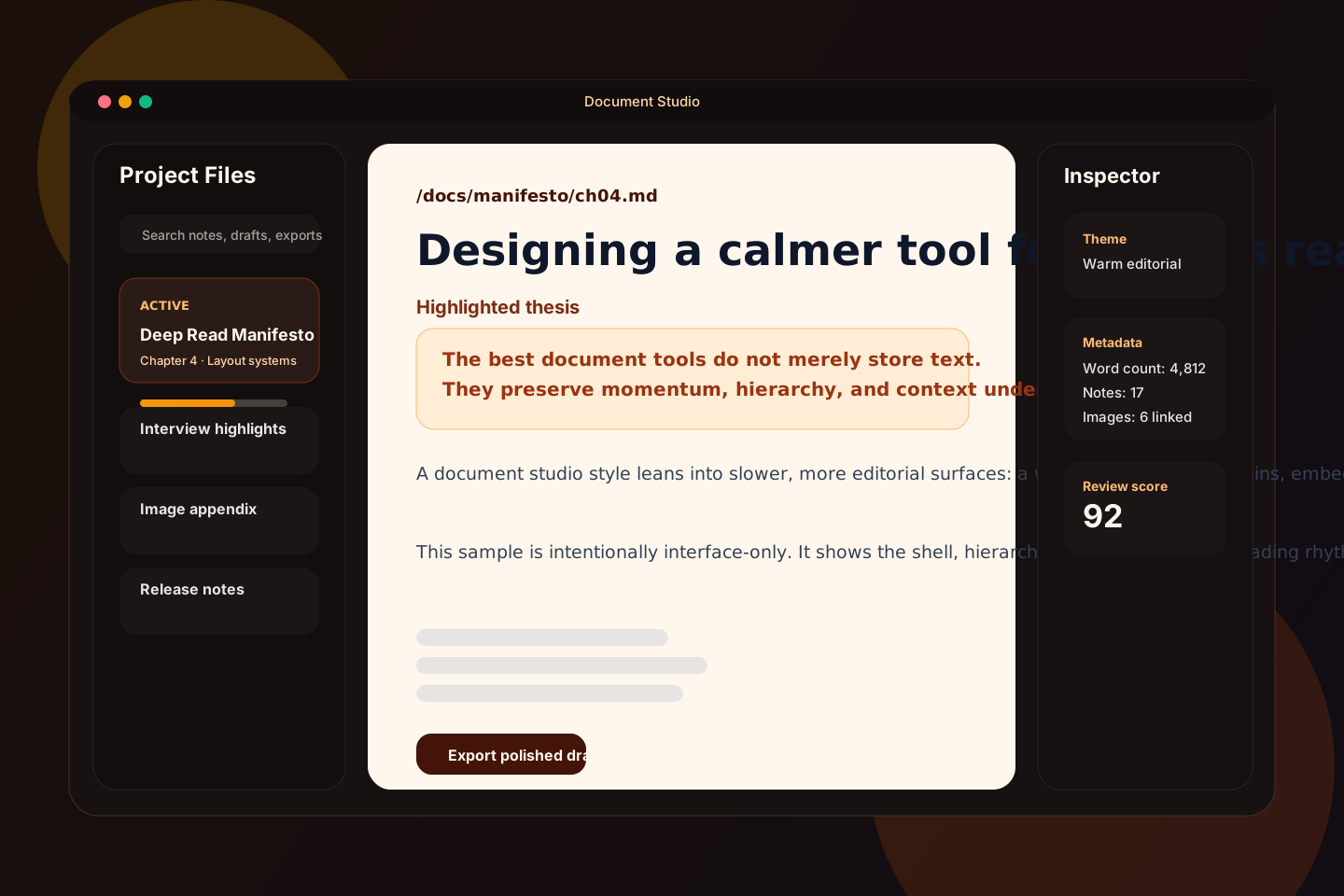
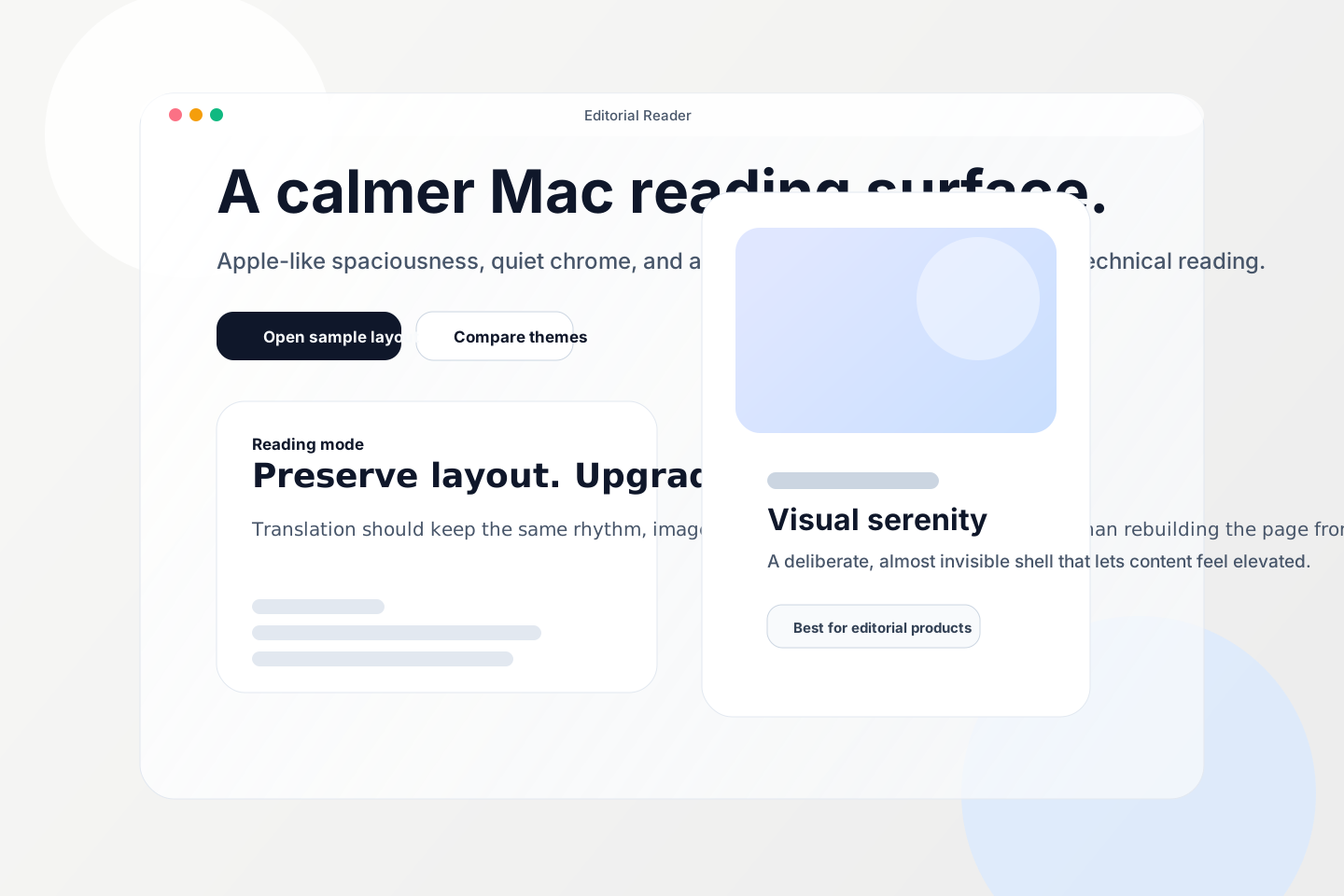
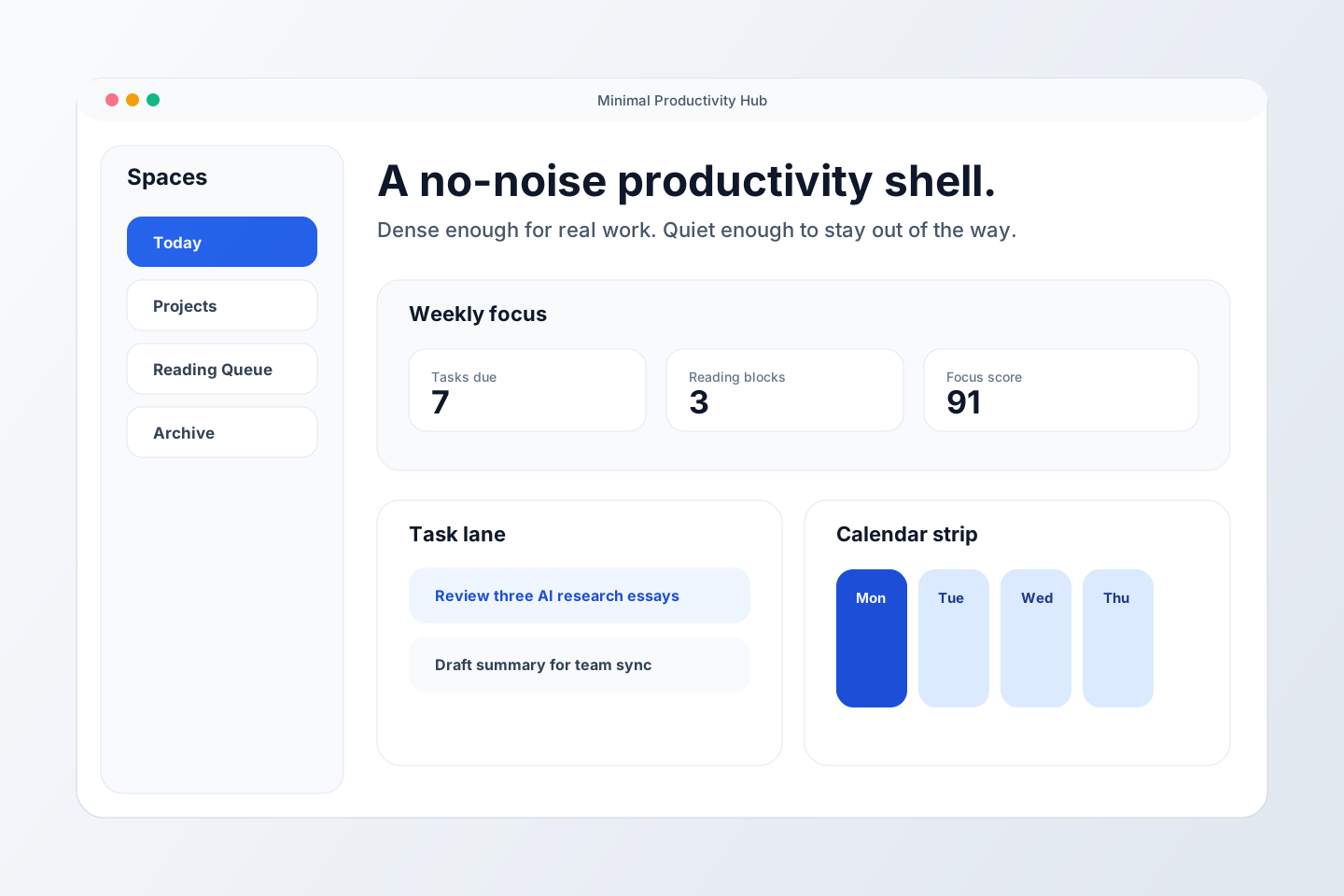
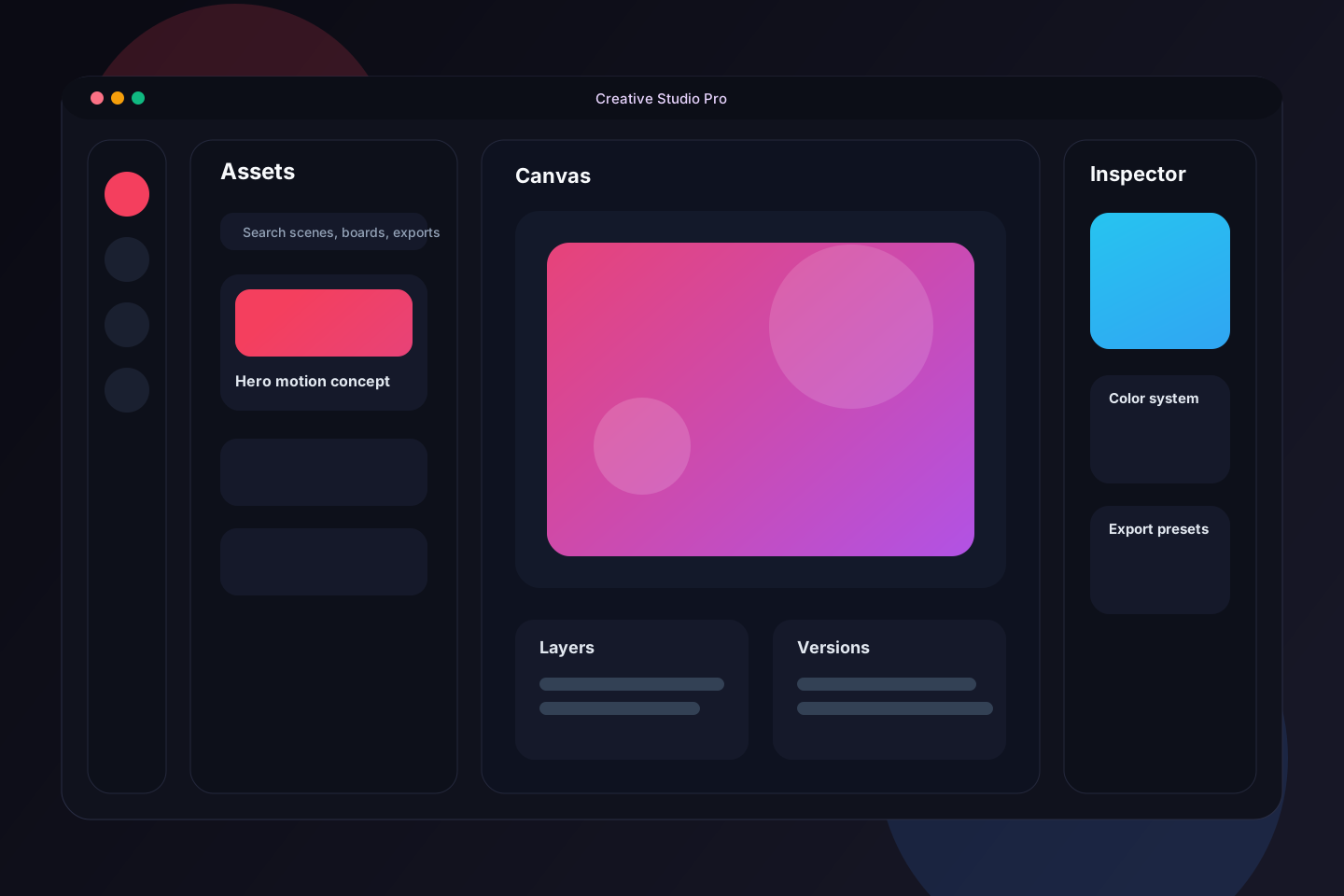
These are intentionally interface-only mockups that can be reused as visual samples inside the repo.
Style Picker
| Style |
Best for |
Visual keywords |
Sample |
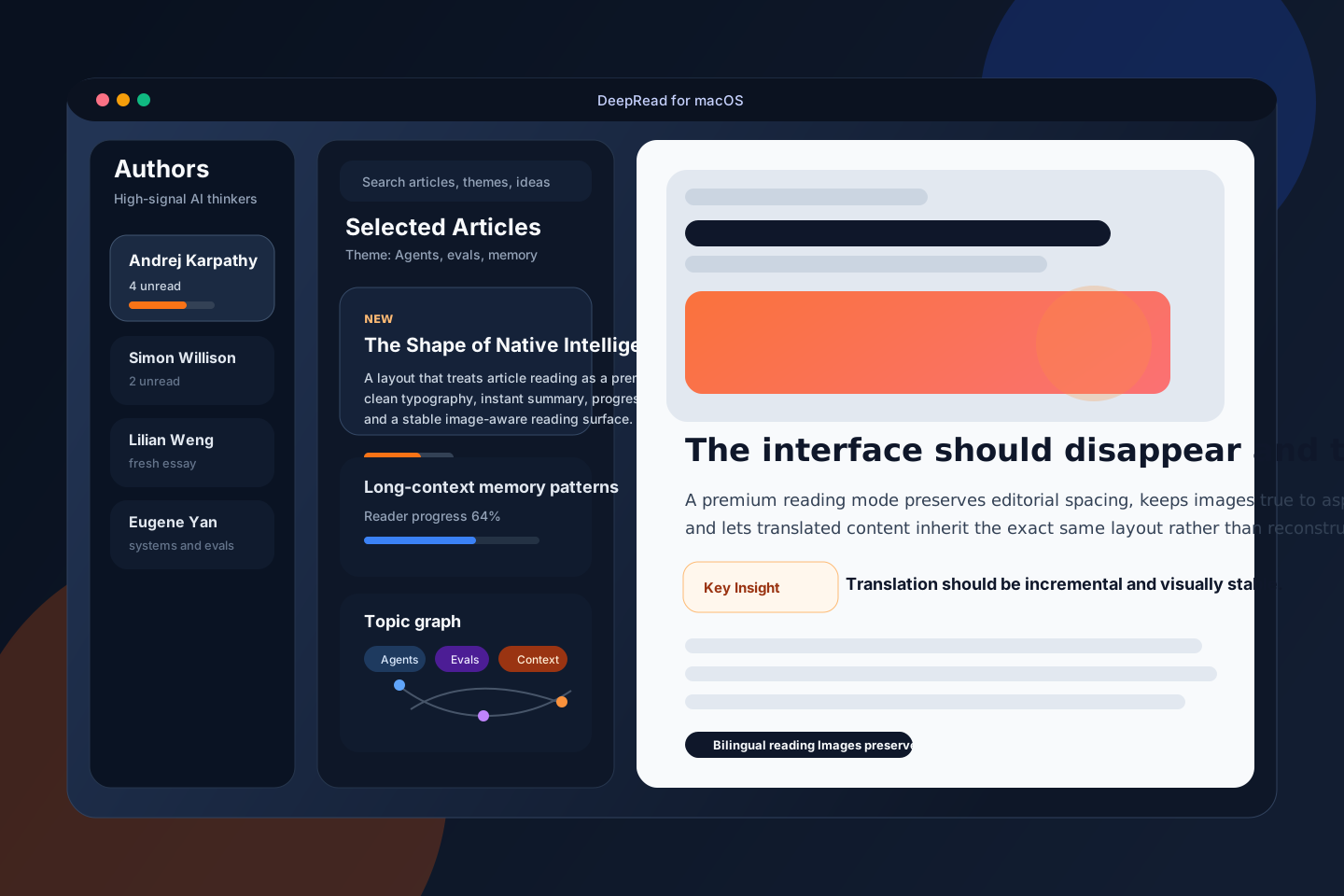
| AI Reader |
reading apps, article products |
premium typography, bilingual reading, image-aware layout |
docs/samples/ai-reader.svg |
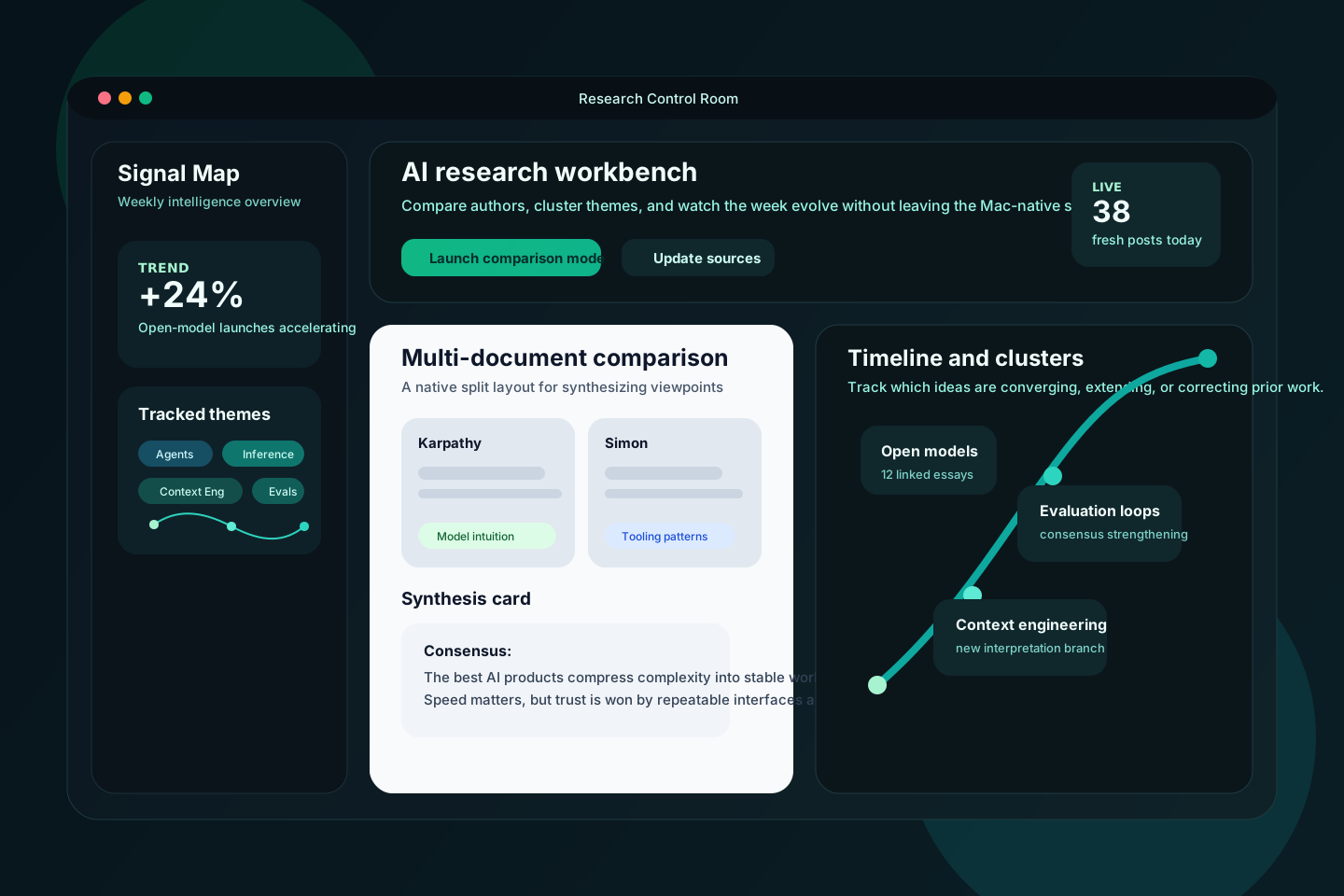
| Research Dashboard |
intelligence products, knowledge workbenches |
dark analytical shell, comparison, clustering |
docs/samples/research-dashboard.svg |
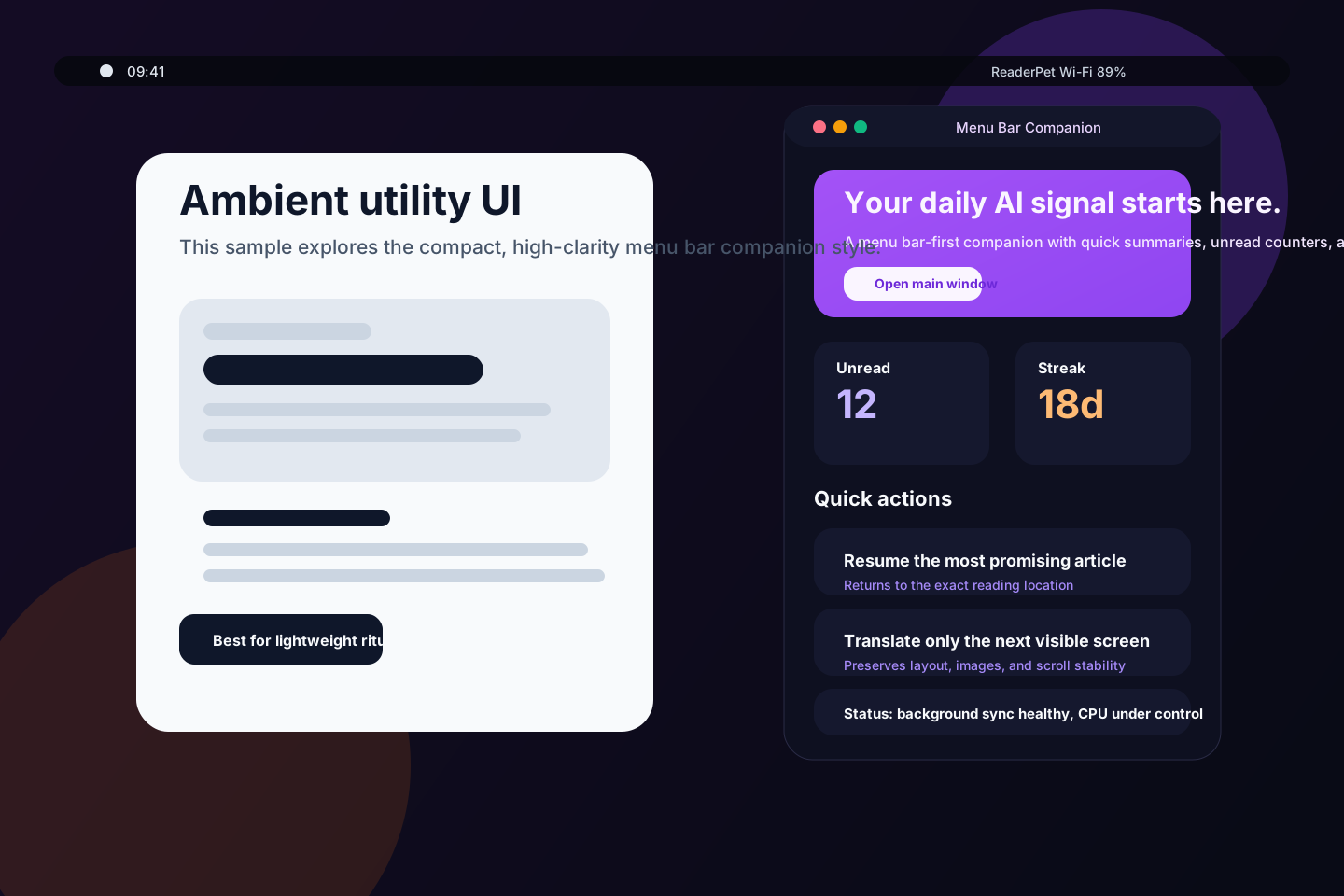
| Menu Bar Companion |
ambient utilities, quick actions |
compact utility UI, glanceable metrics |
docs/samples/menu-bar-companion.svg |
| Document Studio |
writing, notes, annotation |
warm editorial page, inspector, drafting |
docs/samples/document-studio.svg |
| Apple Editorial |
showcase products, premium consumer apps |
airy, glassy, high-whitespace, Apple-like |
docs/samples/apple-editorial.svg |
| Minimal Productivity |
task tools, focus apps |
clean grid, low-noise, functional |
docs/samples/minimal-productivity.svg |
| Creative Studio Pro |
design tools, media tools |
dark creative cockpit, colorful canvas, pro controls |
docs/samples/creative-studio-pro.svg |
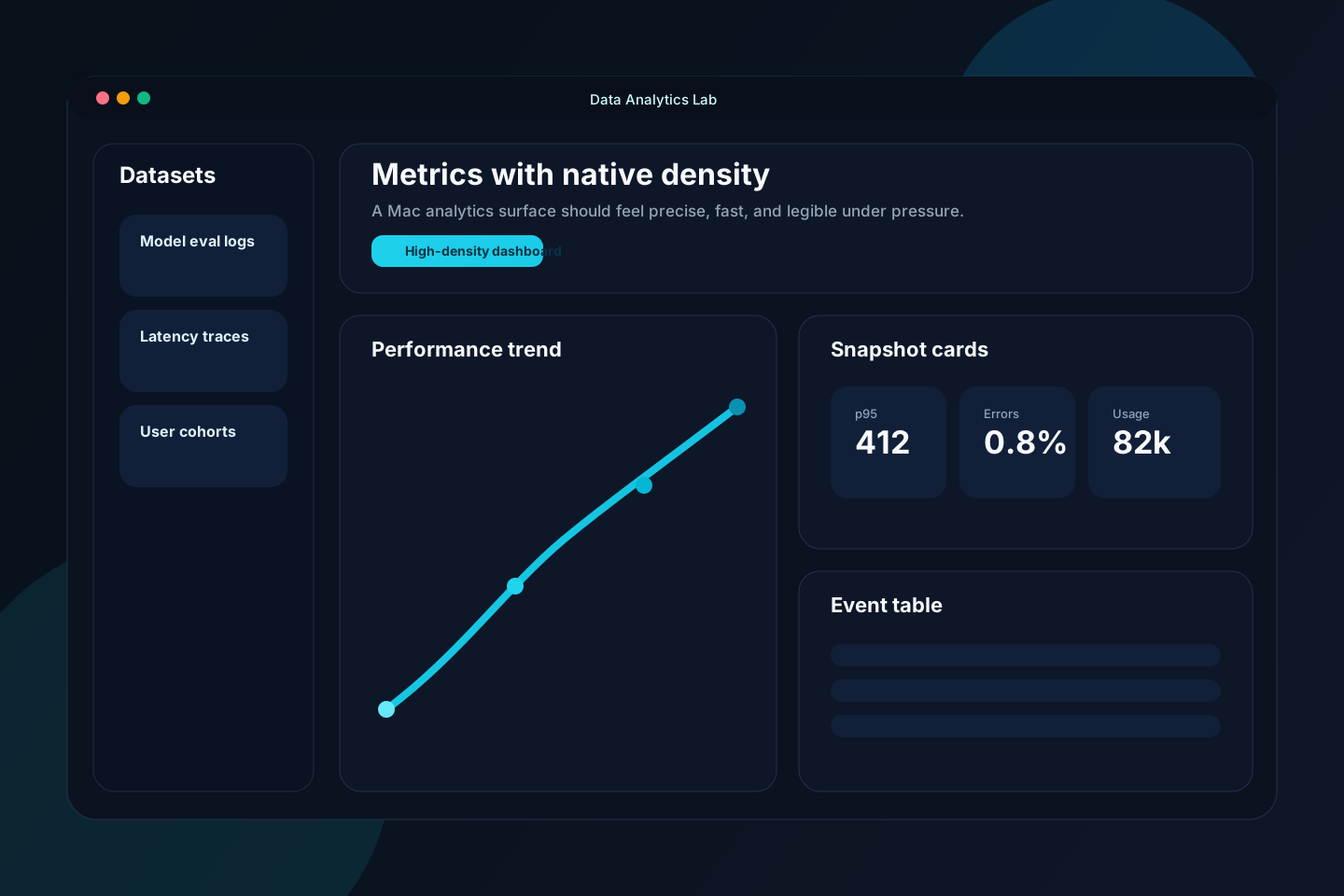
| Data Analytics Lab |
dashboards, observability, metrics tools |
dense charts, cyan-on-dark, operational clarity |
docs/samples/data-analytics-lab.svg |
AI Reader
Research Dashboard
Menu Bar Companion
Document Studio
Apple-style Editorial
Minimal Productivity
Creative Studio Pro
Data Analytics Lab
Repository Layout
fireworks-macapp-creator/
├── SKILL.md
├── agents/openai.yaml
├── docs/
│   ├── logo.svg
│   └── samples/
│       ├── ai-reader.svg
│       ├── apple-editorial.svg
│       ├── creative-studio-pro.svg
│       ├── data-analytics-lab.svg
│       ├── document-studio.svg
│       ├── minimal-productivity.svg
│       ├── menu-bar-companion.svg
│       └── research-dashboard.svg
├── references/
│   ├── architecture-checklist.md
│   ├── native-ux-patterns.md
│   ├── performance-and-debugging.md
│   ├── release-and-distribution.md
│   └── style-catalog.md
├── skill/
│   ├── SKILL.md
│   ├── agents/openai.yaml
│   ├── references/
│   └── scripts/
├── scripts/
│   ├── init_macos_swiftpm_app.py
│   ├── oss_audit.py
│   └── sync_skill_bundle.py
├── examples/
│   ├── CreativeKit/
│   ├── DocumentStudioDemo/
│   ├── MenuBarCompanionDemo/
│   ├── OpsLab/
│   └── ReaderShowcase/
├── install.sh
├── README.md
└── README.zh-CN.md
Open-source Standards
This repo includes:
- MIT license
- code of conduct
- contributing guide
- security policy
- bilingual documentation
- install script
- repository audit script
Run the local audit:
python3 scripts/oss_audit.py
Contributing
PRs are welcome. Please keep changes pragmatic:
- keep
SKILL.md concise
- move details into
references/
- keep scripts deterministic
- preserve Claude Code and Codex compatibility
See CONTRIBUTING.md.
License
MIT